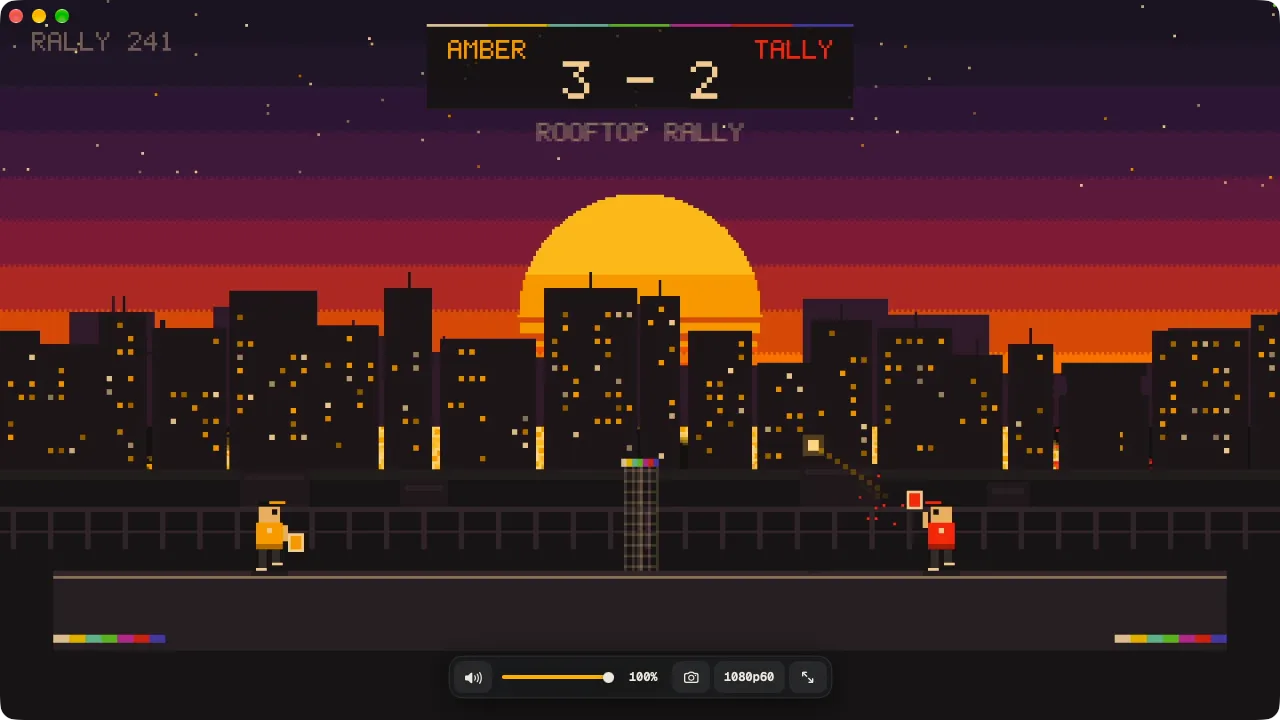
Pick plugview to play. One window, picture and sound, the smoothest mode chosen for you.
Pick OBS to record or stream, with overlays, scenes and a webcam. plugview does neither today.
A capture card serves one app at a time on a Mac: quit one before opening the other.
Seeing the card in OBS
- Create a scene, then add a Video Capture Device source and choose the card.
- Add the card's Audio Input Capture, open Advanced Audio Properties and set monitoring to Monitor and Output.
- Right-click the preview and open a Fullscreen Projector to play full screen.
In plugview, opening the app does all three.
Side by side
Latency
plugview hands frames from the capture driver straight to the screen compositor and never copies one. It asks the card for its native uncompressed format, locks the frame rate, and plays the card's sound through 128-frame buffers. The numbers are in the published measurements.
OBS renders every frame into its canvas so it can composite scenes, which is what recording and streaming need. We have not measured OBS, so we make no claim about its delay.
$ plugview --measure
Video  UGREEN 25773 · 1920×1080 · 4:2:2
       delivered 60.0 fps
       capture → app  median 19.1 ms
Audio  buffer 128 frames
       capture → app  median 4.3 ms
Using both
Play in plugview day to day; press S for screenshots. When you want to record a session, quit plugview and open OBS with your usual scene.
