
plugview
$ plug in. play.
Works with Switch, PlayStation, Xbox and anything with HDMI out
macOS 14 Sonoma or later · Apple silicon & Intel · free and open source (MIT)
only the command: brew install plugview/tap/plugview · build from source
not notarized yet: the first time, open System Settings › Privacy & Security and click Open Anyway (why)
No scenes. No sources. Just signal.
Your Switch, PlayStation, Xbox or camera in a resizable window with sound, as fast as the Mac can draw it. No streaming setup.

01Plug in
Connect any USB capture card. Before or after launching, it doesn’t matter.
02Type
It finds the card, its audio input and the smoothest mode. 1080p60 beats 4K30.

03Play
Picture and sound, straight from the driver to the screen. Press F for full screen.
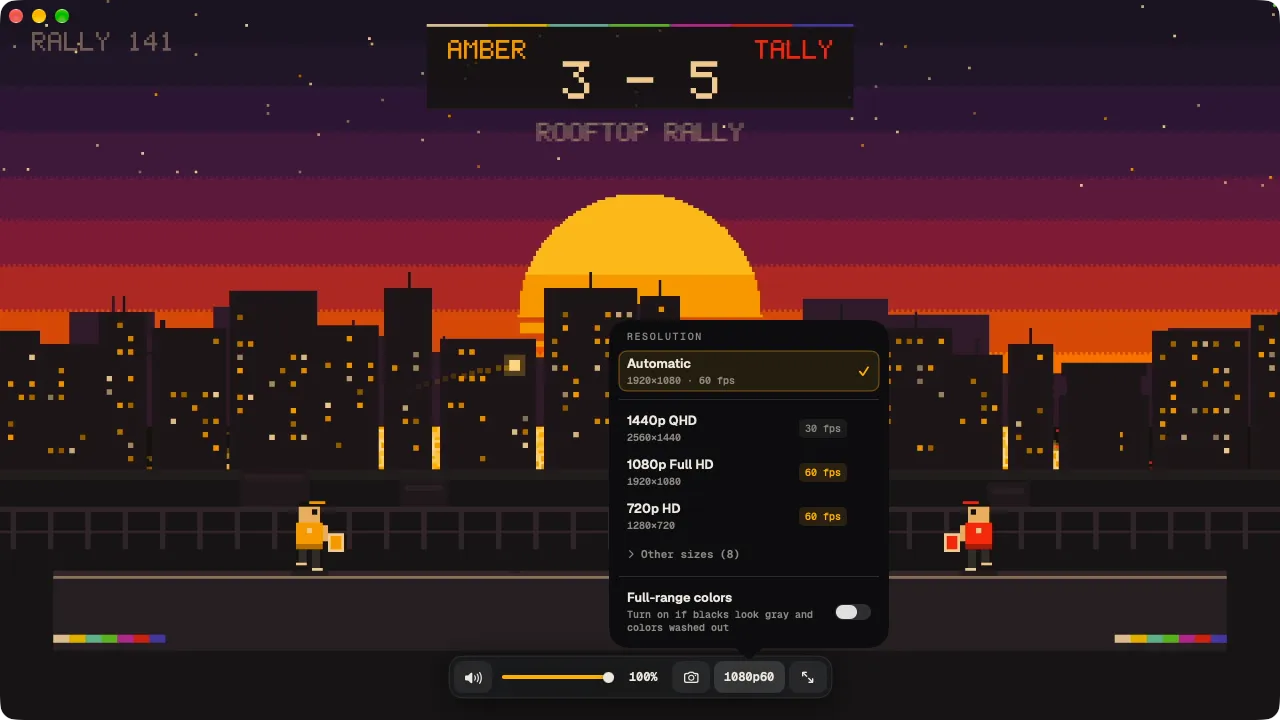
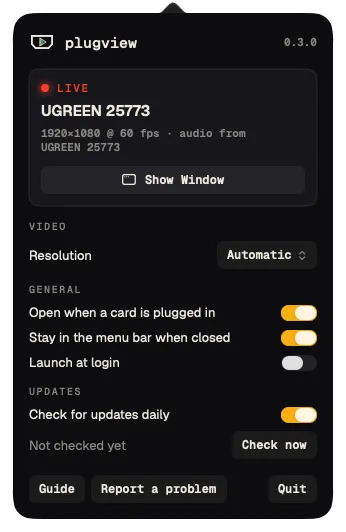
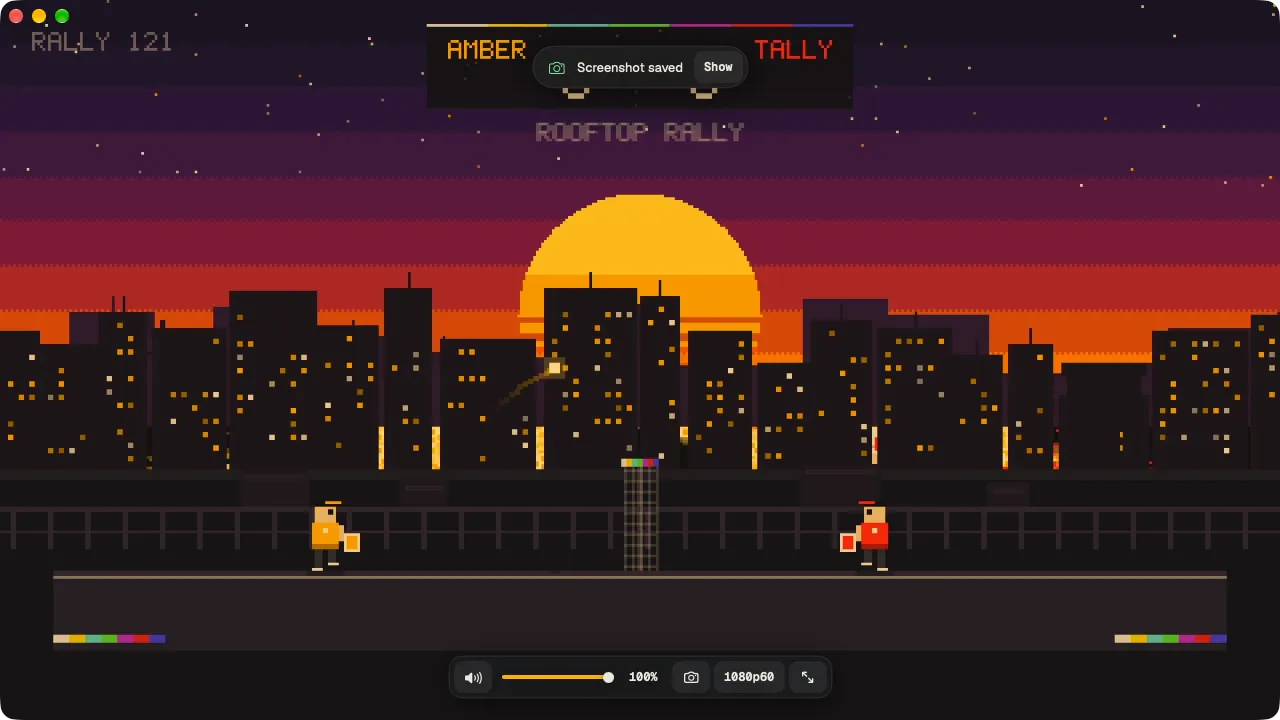
What you see is what the card sends.
Window captures of plugview 0.3.0 playing an HDMI signal through a UGREEN 25773. The game is Rooftop Rally, our own pixel-art test scene.
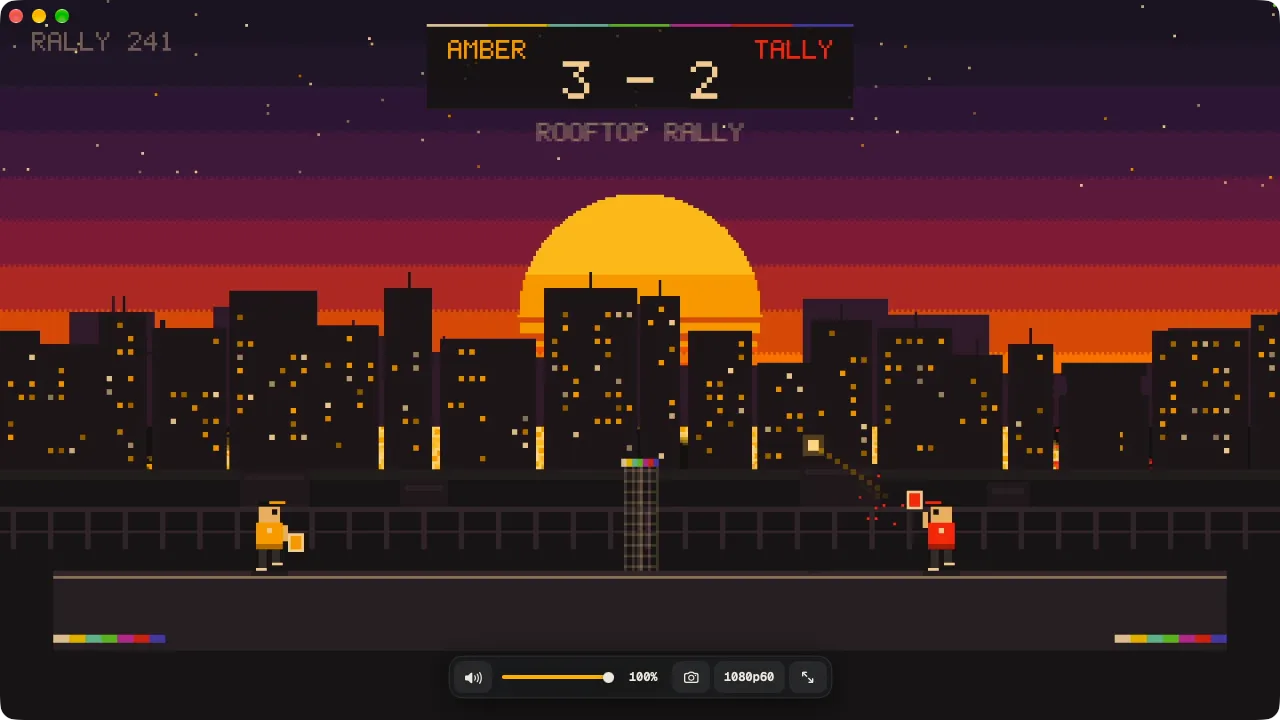
Your console. Your Mac. One cable.
Anything with HDMI out works through a USB capture card. Your card decides the top resolution and frame rate; plugview picks the smoothest one it offers.
Nintendo Switch & Switch 2
Dock HDMI out into the card. Games play with no extra setting.
PlayStation 5 & 4
Turn off HDCP first: Settings › System › HDMI on PS5, Settings › System on PS4.
Xbox Series X|S & One
Games are never copy protected on Xbox. Video apps stay black by design.
Steam Deck & handheld PCs
Through a dock or USB-C to HDMI adapter, like a small PC.
Retro consoles
Through an HDMI adapter or upscaler. The card needs an HDMI signal.
Cameras
Any camera with clean HDMI out, as a sharp webcam or a monitor.
Nintendo Switch, PlayStation, Xbox and Steam Deck are trademarks of their owners. plugview is not affiliated with or endorsed by them. Setup for each console →
Small on purpose.
Low latency
Frames go straight from the capture driver to the GPU compositor. plugview never copies a frame.
Sound included
Finds the card’s own audio input and plays it on your current output. Never your microphone.
Plug and play
Unplug and replug and it re-attaches. It also recovers after the Mac wakes from sleep.
Smooth by default
Prefers the highest frame rate and locks it, in the card’s native pixel format.
Stays awake
The display won’t sleep while you play with a controller.
Screenshots
Press S for a full-resolution PNG of the current frame, saved in Pictures › plugview.
Your size, your rate
Pick any mode the card offers, zoom to actual size, or keep the window on top of everything.
Waits in the menu bar
Opens and plays when you plug a card in. Close the window and the card is free again.
Zero dependencies
One native binary, Apple frameworks only. Under 2 MB to download.
Measured, not claimed.
plugview --measure reports the frame rate your card really delivers and the delay at every step, then tells you what to fix.
$ plugview --measure
Video    UGREEN 25773 · 1920×1080 · uncompressed 4:2:2 (native)
         device set to 60.0 fps, delivered 60.0 fps (272 frames)
         frame interval  median 16.7 ms · p95 16.7 ms · worst 16.7 ms
         capture → app   median 19.1 ms · p95 19.3 ms · worst 19.6 ms
Audio    UGREEN 25773 · buffer 128 frames
         capture → app   median 4.3 ms · p95 4.3 ms · worst 5.3 ms
Output   MacBook Pro Speakers · reports 19.3 ms
Display  100.0 Hz

To lower latency:
  • The display runs at 100 Hz, not a multiple of 60 fps, …
- NATIVE 4:2:2No pixel format conversion. 22.7 → 18.0 ms per frame, about 17 % less CPU.
- FRAME RATE LOCKEDStops macOS resetting the card to its default rate. 20 → 60 fps on the test card.
- 128-FRAME AUDIOCard audio from 12.4 ms down to 4.3 ms.
Nine keys. That’s the manual.
Plug in. Play.
Free, open source, and under 2 MB to download.